Post-Mortem of My Tile-Based Puzzle Game in Unreal Engine

Today, I am excited to do a post-mortem on a project that I have been working on. I chose a game that already had most of its mechanics, I then added additional mechanics to compliment those original mechanics. I also added a few levels. I decided to work in sprints so I could limit my scope to specific objectives and complete those before moving on to different mechanics.
What Went Right: 5 Things
Blueprint Communication:
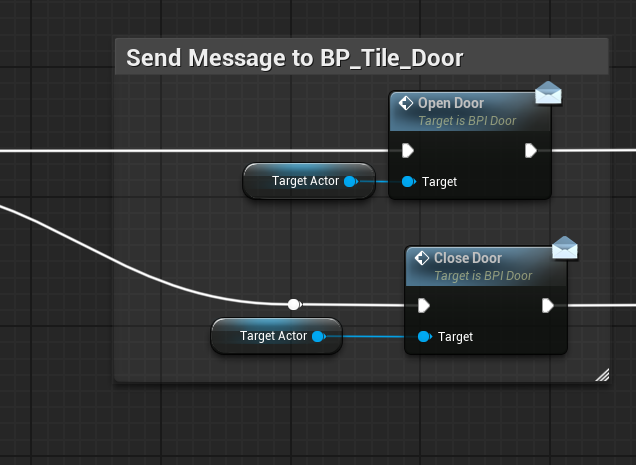
While working on this project on used all different types of communication. From Blueprint Interfaces to Event Dispatchers, I was able to use them effectively in my blueprints. Specifically in messages between the pressure plate and the doors that they could open.
Logic:
In previous projects I had been having problems with Boolean logic. The bool that I had the most trouble with was the Not Boolean, and the situations in which I would use it.

I would make much longer strings of blueprints because I was not comfortable with the Not bool. This project was much more efficient than previous ones because I was able to use Boolean logic effectively.
Timelines:
I really wanted the assets that I made in this project to be able to move. I used Timelines with LERPs to animate my doors and pressure plates to move fluidly. I thought about just making them disappear, but ultimately, that felt like it would have been a cheap solution, so I made sure to create animation for my assets.
Level Design:
I am happy with the level design of this project. I made three levels, all of which can be beaten in a very short amount of time. I was very intentional about how I made these levels. For the first level, I introduced boxes that the player could move. The player will notice that the yellow boxes will move infinitely until they hit the wall. The second level I reinforce that lesson, by introducing pressure plates and doors that boxes can be pushed on top of.
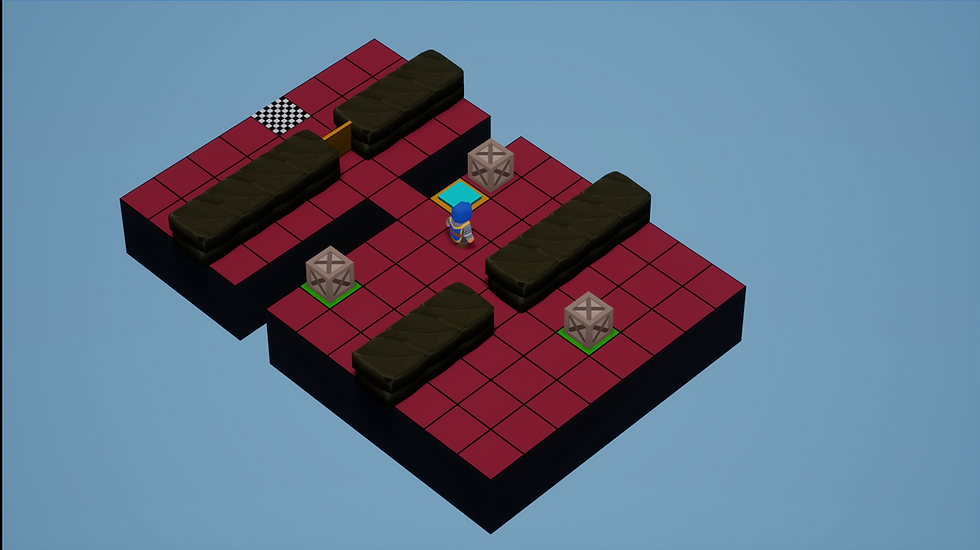
The player has had two levels to become comfortable with boxes and doors. The third level I then challenge the player by giving them a much more difficult level. The player is happy to test themselves because they feel comfortable with what they have learned.
Planning:
Lastly, on this list I have the overall planning for this mechanic. I decided to use ClickUp to make objectives that I could meet; I also could set deadlines for my project.
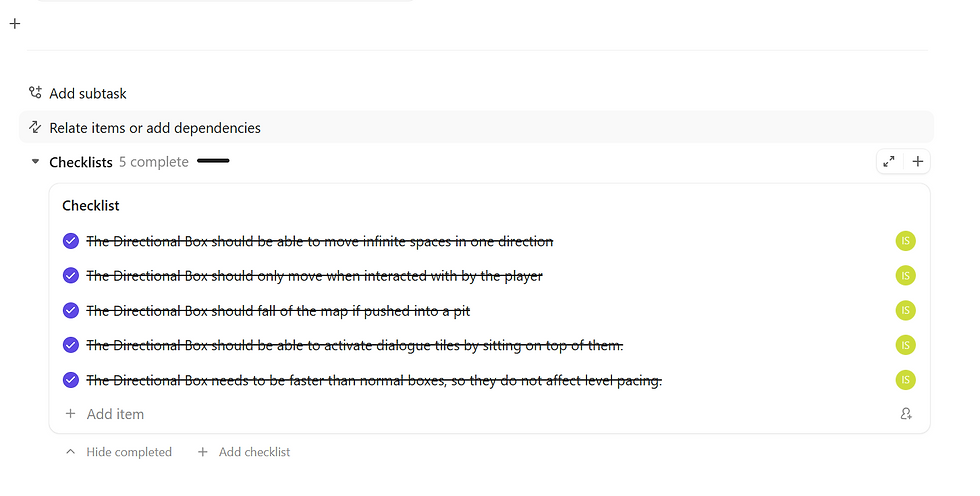
I specifically wanted to have ‘Sprints’ to challenge myself and have experience.
What Went Wrong: 5 Things
Commenting On Code:
I did not comment on my code as I should have. I would have long blocks of code without any comments. Eventually I would go back through the code and comment, but it would have been difficult for team members to work on the project, as it would have been challenging to know what I was attempting to do with that particular blueprint.

In the future I would like to comment on a regular basis instead at the very end of making the functionality.
The Original Code:
I did not take enough time to investigate and become comfortable with the original code. This was detrimental, because it took much longer to make blueprints than if I had taken more time to understand how the original operated.
Details:
During the development of this project, I ran into the issue of instantiation. I had made an instantiated blueprint the keeper of a variable that is used on blueprint communications. I realized this quickly when the variable was not acting as it should have. If I had been thinking into the future I would have thought of that problem. I will make every effort to ensure that does not happen in the future.
Unnecessary Variables:
I would create variables to fix a problem, when the best solution was much simpler and more effective. Once, I made a variable to track some data to inform a blueprint open a door.
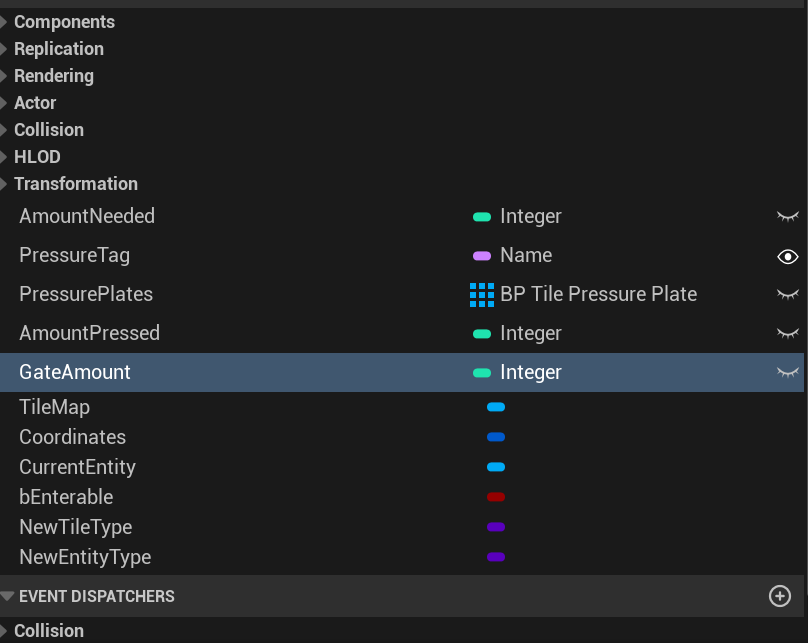
I would eventually reject this and have a Boolean which was far more efficient. I would like to start being more efficient in the future of my development.
The Number of Levels:
I think that the levels that are in this game are good. But I think that I should have had a separate sprint for more levels. Three levels are not very many and can be beaten quickly. In the future I would like to dedicate more time to levels.
In Conclusion:
This project went well and my sprints were productive. The overall design was good, but the minute details, and time management need to be improved upon.
Comments